



























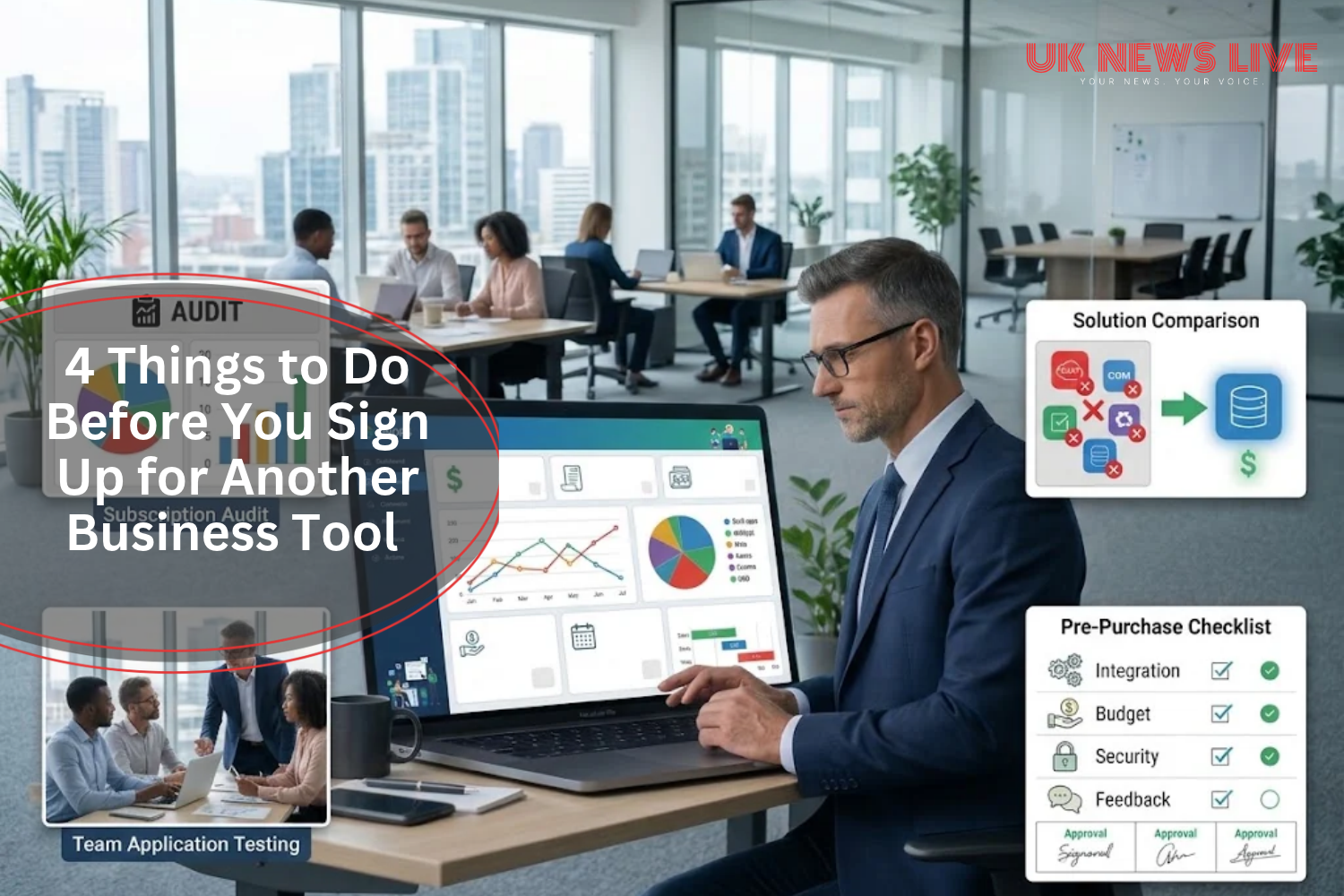
You’ve seen it happen. Someone on the team finds a shiny new tool, signs up for the free trial, and before anyone’s had a proper look at it, there’s a fresh line item on the monthly software bill.
It happens in almost every growing company, and the numbers back that up. Capterra’s UK research found that 68% of British businesses regretted at least one software purchase they’d made in the previous 18 months.
That kind of regret almost always traces back to the same thing: nobody did the boring groundwork before clicking “subscribe.”
Here are the specific checks that will keep your team from landing in that 68%.
1. Audit What You Already Pay For

You can’t evaluate a new product if you don’t know what’s already in the stack. Most businesses don’t keep a clean, current list of every SaaS subscription they’re paying for, and that’s exactly where problems start creeping in. Marketing might be running a standalone analytics platform with reporting features that duplicate what’s already baked into the CRM, and nobody’s noticed because the two teams never compared notes.
So, pull together a full list. Every subscription, who owns it, what it costs, and when it renews. You’ll probably find two or four tools doing the same job across different departments, which alone can free up enough budget to fund whatever you actually need next.
2. Get Buy-In From the People Who’ll Actually Use It

Adoption is everything. If the operations manager picks a project management platform without asking the team who’ll live in it every day, expect low engagement and a wasted licence. People don’t use tools they had no say in choosing, and that’s true whether the tool itself is brilliant or mediocre.
Before committing to anything, get the actual end users involved in a short evaluation where they can test the interface and flag gaps. Even a 15-minute walkthrough with a handful of key people will tell you whether the tool fits the way your team already works. Skip that step, and you’ll likely find the software abandoned inside a quarter.
3. Build a Pre-Purchase Checklist Into Your Workflow

Companies that consistently avoid buyer remorse on software don’t just get lucky with their picks. They’ve built a repeatable process that every new tool request must pass through, covering things like existing overlap, budget approval, user feedback, integration requirements, and contract terms.
For smaller teams, this doesn’t need to be complicated at all. A shared document with five or six mandatory fields will do. But for companies managing a larger software stack, tools like Vertice intake management software can turn that kind of checklist into an automated workflow, capturing the right information at the point of request and routing it to the right people for approval.
Either way, the point is the same: no subscription gets signed off until the basics have been covered.
4. When Process Beats Product Every Time

Most software regrets don’t come from choosing a genuinely bad product. It comes from choosing a perfectly decent one that nobody properly evaluated, nobody budgeted for, or that solved a problem another tool in the stack was already handling like, tracking software for example. Capterra’s data reinforces this: 40% of UK businesses said identifying technology aligned with their actual goals was their biggest challenge, which tells you the gap is in the evaluation process, not in the quality of what’s available.
A quick audit of your current stack, real input from the people who’ll use the tool daily, a simple pre-purchase checklist, and the discipline to actually follow through on all of it will prevent most of these mistakes. None of those steps take long on their own, but they’ll compound over time as your team gets better at evaluating tools properly instead of chasing whatever a sales rep pitched last Tuesday.