




























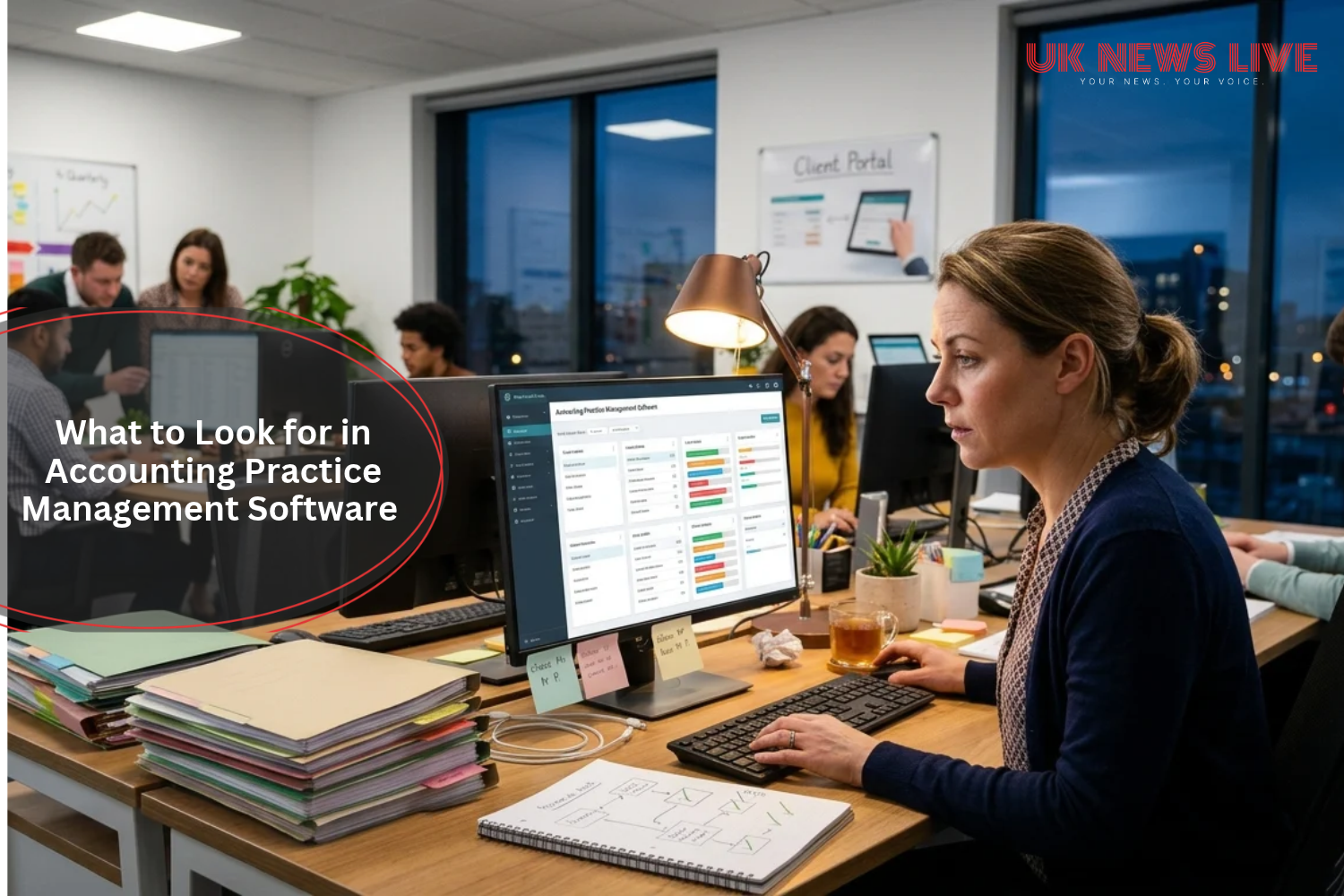
It’s 9pm on 30 January, and a practice manager is on the fourth tab of a spreadsheet, trying to work out which Self-Assessment clients still haven’t sent their records.
Half the answer is in a shared inbox. The other half is on a sticky note that says “chase Mr P.” Then someone finds a missing P60 buried in the wrong email thread, and nobody can decide whether to laugh or cry.
That’s usually the night a firm decides it needs new software. It’s also exactly the wrong night to choose it, because you’re shopping for relief rather than fit. Let’s slow it down.
Start With the Fortnight That Hurts Most

Forget feature lists for a minute. Think about the two weeks when your firm creaks the loudest: the run-up to 31 January, a VAT quarter-end, year-end accounts season. Then hold every tool up against that fortnight and ask how it would have coped.
Demos are tidy by design. The salesperson shows you a dashboard with six jobs on it and everything looks calm. Your January has six hundred, and that’s the version you need to see.
Deadlines and Workflow Come First
Once you know what you’re testing, start with the unglamorous bit. Whatever else it does, accounting practice management software needs to know what’s due, who’s on it and what’s stuck. Set up Self-Assessment, VAT, year-end accounts and confirmation statements once, and they should come round again next year without anyone rebuilding them. If you’re recreating the same jobs every January, you’ve bought a nicer spreadsheet.
Statuses are where it gets interesting. “Waiting on client” and “ready for review” sound similar, but they’re different problems with different owners. You should be able to see which is which without opening a single job. Capacity works the same way. The person quietly drowning is rarely the one who mentions it, so you want the software to say so for them.
And then there’s the change that’s about to redefine what “busy” means.
Making Tax Digital Changes the Brief

Plenty of firms haven’t fully reckoned with this yet. Making Tax Digital for Income Tax began on 6 April 2026 for sole traders and landlords with qualifying income above £50,000. According to HMRC’s Making Tax Digital campaign pages, the threshold falls to £30,000 in April 2027 and £20,000 in April 2028.
Here’s why that matters for your software. Clients who used to turn up once a year now need attention four times, because quarterly digital reporting replaces the single annual return, alongside a final declaration. Multiply that by every client in the newly covered bands and your year gets a lot busier at the edges.
So, look for reminders that run on a schedule without somebody having to remember them, and an easy way to collect quarterly figures from clients who’d rather not think about it. You’ll also want a sensible link to the bookkeeping tools they already use, whether that’s Xero, QuickBooks or Sage. One thing to check: many practice management tools aren’t the software that actually files with HMRC, so ask how yours sits alongside it.
Client Experience, Security and Compliance
More touchpoints mean the client experience stops being a nice extra. Clients judge you on small things. Could they find the login? Did they have to send the same document twice? Did anyone tell them it had arrived? A portal and e-signed engagement letters beat attachments scattered across email, and they leave a trail you can point to later.
Security and online protection belongs in the same breath. You’re holding National Insurance numbers, bank statements and old returns, so ask where the data lives, who can see what, and how the provider handles UK GDPR. Ask about anti-money-laundering too. Onboarding checks and the records behind them need to be somewhere you can find in minutes, not hours, if your supervisor comes asking.
One Platform or Several Tools?

Now for the question that splits firms down the middle. Some build their own stack: a workflow tracker here, a portal there, an e-signature app, billing somewhere else. You get a good tool for each job and a lot of hand-offs in between. Others pick one platform and accept that it won’t be the best at everything.
TaxDome sits at the all-in-one end of that scale. It’s one example of accounting practice management software that brings workflow, CRM, a client portal, e-signatures and billing into one system, with a Companies House integration and connections to Xero and QuickBooks Online. It isn’t a filing tool, so firms run it alongside their MTD-compatible software rather than instead of it.
That isn’t automatically the right call. A very small firm that’s happy in Xero may be better served by something lighter. But once you’re past a handful of staff, the hand-offs between separate tools tend to cost more than anyone budgets for.
Questions to Ask Before You Sign
Whichever way you lean, a few questions are worth putting to every vendor, and the answers will tell you more than the brochure. Ask them to run the demo on your busiest-month workload rather than theirs. Ask what leaving looks like, because you’ll want to know you can export everything. Work out what the price does as you add staff and clients, since a fair monthly fee at five people can look very different at fifteen.
Finally, ask how long migration genuinely takes and who does the heavy lifting, and which UK firms of your size already use it and where their data is held.
If a vendor gets awkward about any of that, you’ve learned something.
The best software is the one that survives your worst fortnight, not the one with the nicest demo. Test it against the evening of 30 January. If it would have found that missing P60 before 9pm, you’re probably looking at the right one.